Time Management Tools That Won't Waste Your Time (The Irony Is Real)
The best time management tools are the ones you don't need to spend three hours setting up. Free browser tools, real techniques, zero app fatigue.
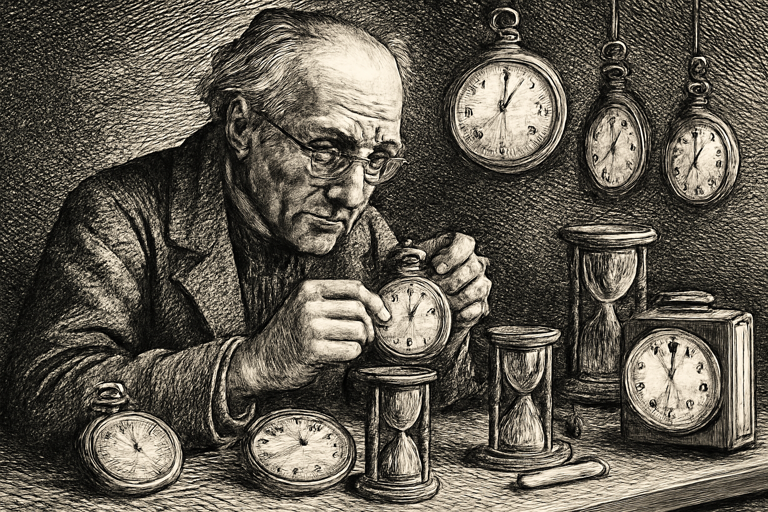
There’s something deeply ironic about spending two hours researching productivity apps, creating accounts for three of them, watching tutorial videos, customizing your workspace, and then realizing the entire afternoon is gone and you haven’t done any actual work.
The best time management tools are the ones that get out of your way. Open, use, close. No onboarding flow. No “invite your team” popup. No push notifications about features you didn’t ask for.
The Pomodoro Technique: Dumb Simple, Annoyingly Effective
The Pomodoro method has been around since the 1980s, and it still works better than apps that cost $15/month. Here’s the entire system:
- Set a 25-minute timer
- Work on one thing
- Take a 5-minute break
- Every four rounds, take a longer break
That’s it. That’s the whole technique. No AI. No machine learning. Just a timer and the radical idea of doing one thing at a time.
A focus timer with ambient sounds levels this up by adding background audio: rain, cafe noise, white noise. Why does this work? Because complete silence turns every sound into a potential distraction (was that the mailman? a squirrel? a ghost?), while steady background noise creates an audio cocoon that tells your brain “we’re working now.”
Over time, the ambient sound becomes a focus trigger. Pavlov’s dog heard a bell and thought “food.” You’ll hear cafe noise and think “time to write that report.”
Track Your Time (Prepare to Be Humbled)
Here’s an uncomfortable experiment: track your actual focused work time for a week.
Grab a stopwatch. Start it when you begin focused work. Stop it for ANY interruption, even a 30-second one. Record the total at the end of each day.
Most knowledge workers discover they get about 3-4 hours of genuinely focused work in an 8-hour day. The rest? Meetings, email, Slack, context switching, and that 20-minute Wikipedia rabbit hole about whether hot dogs are sandwiches.
This isn’t a failure. It’s normal. But knowing the number helps you protect those precious focused hours instead of scheduling meetings right in the middle of them.
Time Zones: The Silent Productivity Killer
If you work with people in other time zones, you’ve felt the pain. Three email exchanges to find a meeting time. Accidentally scheduling a call during someone’s 2 AM. The existential dread of “wait, did they mean THEIR 3 PM or MY 3 PM?”
A time zone meeting planner shows overlapping business hours at a glance. One look and you can:
- Propose a time that works for everyone in a single message
- Find windows where all team members are actually awake
- Plan async handoffs when zones don’t overlap at all
This tool alone can save you from a dozen unnecessary emails per week.
Building Habits That Stick
Productivity advice usually sounds like it was written by someone who wakes up at 4:30 AM and journals by candlelight. Here’s a more realistic approach:
- Start small. Two focused Pomodoro sessions per day. That’s 50 minutes of deep work. Build from there.
- Guard your peak hours. Figure out when you do your best work (morning? afternoon? 11 PM?) and protect that time like it owes you money.
- Batch the busywork. Handle all emails in two daily blocks. Not continuously. Continuously is a trap.
- Review on Fridays. Spend 15 minutes looking back at the week. What worked? What didn’t? Adjust accordingly.
- Accept bad days. They happen. The goal is a better average, not perfection.
No Account Required
The b2kit collection includes timers, schedulers, and productivity tools that work in any browser. No signups, no subscriptions, no “your free trial has ended” surprise. For professionals managing documents alongside their workflow, PDFb2 takes the same approach to PDF tasks: simple, browser-based, and out of your way in seconds.
The best productivity system is the one you actually use. Keep it simple enough to stick.