Stop Paying $20/Month to Edit a PDF (Seriously)
Adobe charges $20/month to let you edit PDFs. Here's how to do 90% of PDF tasks for free in your browser without uploading files to strangers.
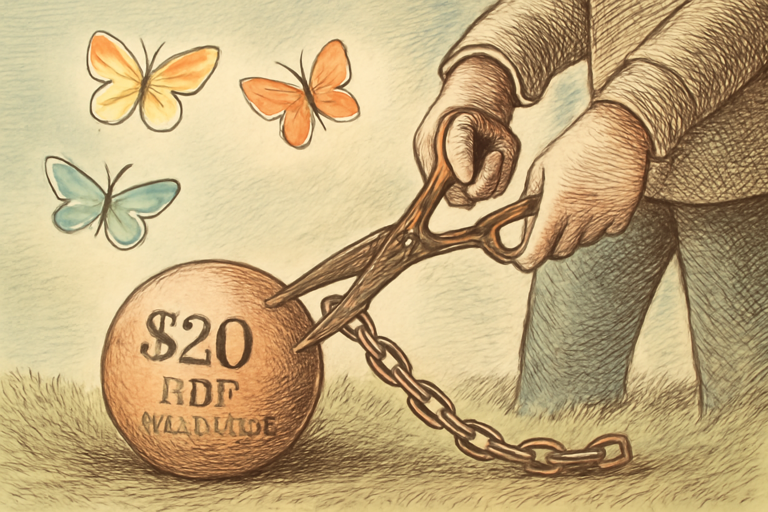
Quick math: Adobe Acrobat Pro costs $19.99/month. That’s $240/year. To edit PDFs.
There are people paying $240 a year to occasionally fill out a form, merge two documents, and add a signature. That’s not a subscription, that’s a shakedown.
Here’s the uncomfortable truth: most PDF tasks can be done for free in your browser. No upload, no account, no “start your free trial.”
The Tasks You Actually Do With PDFs
Be honest. You’re not doing complex PDF engineering. You’re doing one of these:
- Filling out a form someone sent you
- Merging a few documents into one
- Adding a signature to a contract
- Compressing a file that’s too big to email
- Converting something to or from PDF
All of these can be done with browser-based tools. The files stay on your computer. Nothing gets uploaded.
”But What About Privacy?”
This is the real argument for browser-based tools. When you use a “free PDF editor” website, you’re uploading your tax form, contract, or medical document to someone’s server. Read their privacy policy. Actually, don’t. It’ll ruin your day.
Browser-based PDF tools process everything locally using JavaScript. Your file never leaves your machine. That’s not a marketing claim, it’s a technical architecture. The processing literally happens in your browser’s memory.
The Invoice Problem
Need to create an invoice? You could fight with Word formatting, buy an app, or use a template service that watermarks your invoice unless you pay.
Or: use an invoice PDF generator. Fill in your company info, client info, line items, tax rate. Generate a clean, professional invoice. Download it. Send it. Get paid.
No watermark. No account. No “upgrade to remove branding.”
The Signature Problem
For quick signatures, use a text-to-handwriting tool to create a handwriting-style version of your name, then add it to your document. It’s not a legally binding digital signature (for that you need proper certificate-based signing), but for “sign and return this form” situations, it works perfectly.
The Real Cost of “Free” Online Tools
Here’s what you’re paying when you use “free” online PDF editors:
- Your data. They see your files. All of them.
- Your time. Ads, upsells, “processing… almost done… just kidding, pay us.”
- Your email. Required for download. Hello, marketing emails forever.
- Your money eventually. The free tier is deliberately limited to push you to pay.
Browser-based tools skip all of this. Open tab. Do thing. Close tab. Done.
The $240/Year Challenge
Cancel your PDF subscription for one month. Try doing everything with free browser tools. If you genuinely need a feature that only a paid tool provides, re-subscribe with peace of mind. But most people discover they never needed it in the first place.
$240/year. For a document format that was literally designed to be a finished, shareable format. You deserve better.