Remote Work Survival Guide: Stay Productive Without Losing Your Mind
How to actually get stuff done at home when your couch, fridge, and Netflix are all within arm's reach. Free tools and real strategies included.
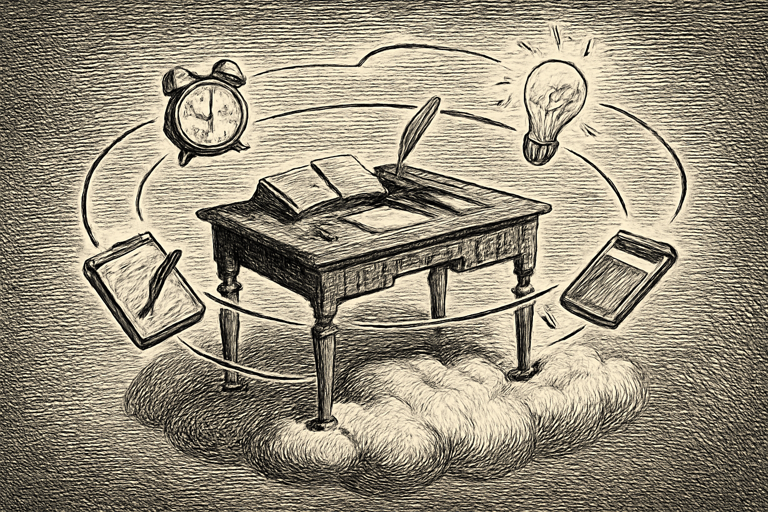
Working from home sounds amazing in theory. No commute. Pants optional. Your own coffee. In practice, it’s you at 2 PM realizing you’ve spent 45 minutes reorganizing your spice rack because your brain decided that was more urgent than the Q1 report.
Remote work gives you freedom, but freedom without structure is just chaos in pajamas. Here’s how to fight back.
Kanban Boards: Because Your Brain Can’t Hold Everything
A to-do list works for groceries. For actual work with multiple deadlines, competing priorities, and that thing your boss mentioned on Slack that you’re pretty sure was important? You need something spatial.
A kanban board lets you organize work into columns like Backlog, In Progress, Review, and Done. When you start your day, you see exactly what needs attention instead of doom-scrolling through Slack trying to reconstruct your priorities from memory.
The best part? Moving a card to “Done” gives you a tiny hit of satisfaction. It’s basically a video game progress bar for your job.
Browser-based boards have a practical advantage too: they work on any machine. Home desktop, laptop at a cafe, your partner’s computer when yours decides to update for three hours. One browser tab, and you’re back in business.
The Pomodoro Technique: 25 Minutes of Not Touching Your Phone
Remote workers face a weird paradox. Fewer interruptions from coworkers, but way more interruptions from… everything else. The dog. The laundry. That notification sound. Your own thoughts.
The pomodoro timer technique is stupidly simple:
- Set a 25-minute timer
- Work on ONE thing
- Take a 5-minute break
- After four rounds, take a longer break
During those 25 minutes, you don’t check email. You don’t “quickly reply” to anything. You don’t investigate that weird noise the dishwasher just made. The timer is your excuse: “Sorry, I’m in a pomodoro.” It’s like having office walls made of time.
For tasks that need longer stretches, a focus timer with ambient sounds adds background audio (rain, cafe noise, white noise) that drowns out your household chaos. Complete silence makes every little sound a distraction. A steady background hum tells your brain “this is work time” and eventually becomes a focus trigger, like Pavlov’s bell but for spreadsheets.
Checklists: Your Guardrails Against Formless Days
Without a commute, a morning standup, or a lunch buddy, remote work days can blur into a formless fog where Tuesday feels like Thursday and you’re not sure if you ate lunch.
A checklist maker helps you build bookend routines that frame your day:
Morning startup: Review priorities. Check calendar. Handle urgent messages. Set three goals for the day.
End-of-day shutdown: Update your task board. Document what you did. Prep tomorrow’s list. Close your laptop and walk away.
These rituals prevent the two biggest remote work problems: the slow start (where you ease into work around 10:30) and the bleed (where you’re “just finishing one more thing” at 9 PM).
Checklists also work for recurring processes. Client onboarding, weekly reports, code reviews. Anything with steps benefits from a checklist you can reuse and refine. Airline pilots use them. Surgeons use them. You can use one for your Tuesday content review.
Stop Downloading 47 Apps
Here’s a trap remote workers fall into: the tool spiral. A separate app for tasks, one for notes, one for time tracking, one for team chat, one for project management. Each one demanding attention, generating notifications, fragmenting your focus.
Browser-based tools cut through this. No installation. No updates. No “please rate us in the App Store” popups. Open a tab, do the thing, close it. The tool gets out of your way because it has no business model that depends on keeping you engaged.
The goal isn’t more tools. It’s fewer tools that handle the essentials without turning into a second job.
For remote teams wanting a unified set of productivity utilities, COMBb2 bundles organization, communication, and workflow tools in one browser tab. Because the last thing you need is another login to remember.