The Accidental Data You Share Every Day (And How to Stop)
Your photos share your location. Your screenshots share your tabs. Your files share your username. Here's the data you're leaking without realizing it.
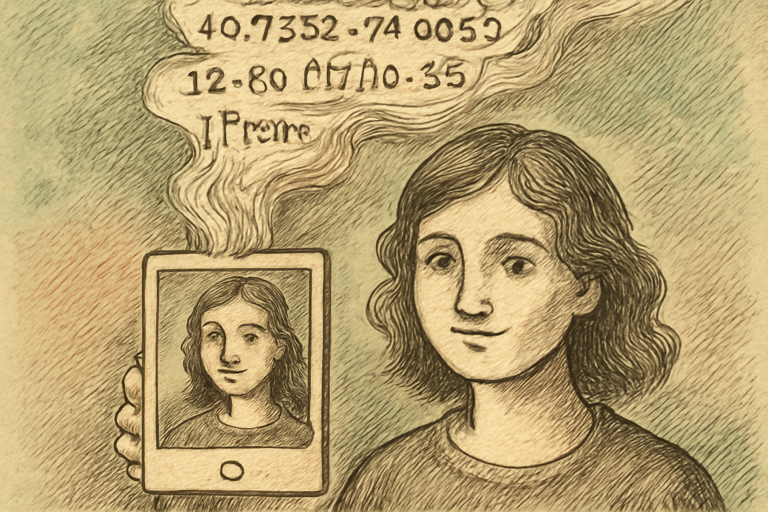
Every file you create, every photo you take, every document you share contains hidden data about you. Not because of some conspiracy. Just because that’s how file formats work.
Let’s look at what you’re accidentally sharing and how to stop.
Your Photos Know Where You Live
Take a photo with your phone. That JPEG contains EXIF metadata including:
- GPS coordinates (where you were standing)
- Timestamp (when you took it)
- Device model (what phone/camera you used)
- Camera settings (aperture, shutter speed, ISO)
- Sometimes your name (if your device is registered)
Post that vacation photo? People can extract your exact hotel location. Post a photo from home? Your address is embedded in the file.
Check what your photos contain with an EXIF viewer. Then strip it all with an EXIF stripper before sharing. Or selectively edit the metadata to keep some data (like copyright) while removing location using the metadata editor.
Your Documents Know Your Name
Microsoft Office documents embed the author’s name, organization, total editing time, revision count, and computer name. A Word doc you send to a client might reveal that you spent 47 minutes on something you billed 3 hours for.
PDF metadata can include the software used to create it, the author name from your OS user profile, and the creation timestamp.
Your Screenshots Know Your Secrets
Common things visible in screenshots that shouldn’t be:
- Other browser tabs (including that job search on Indeed)
- Notification badges
- Email addresses in account menus
- Bookmarks bar contents
- API keys in terminal windows
- Slack DMs in the sidebar
Use a screenshot redaction tool to blur sensitive areas before sharing. Or better yet, use selection screenshots (Cmd+Shift+4 on Mac) to capture only the relevant area.
Your File Names Are Data
TaxReturn_JohnSmith_2025_FINAL_v3_REALFINAL.pdf
That filename tells someone your name, what the document is, what year, and that you went through at least four versions. For sensitive documents, rename files to something generic before sharing.
Your Clipboard Knows Everything
Copy-paste is invisible to most people, but if you use a clipboard manager, it’s keeping a history of everything you’ve copied: passwords, addresses, credit card numbers, private messages. Clean your clipboard history regularly.
How to Share Files Safely
- Photos: Strip EXIF data before sharing publicly
- Documents: Check and edit metadata before sending
- Screenshots: Redact or crop to show only what’s necessary
- Files in general: Rename to remove personal info
- Any shared file: Verify its integrity with a checksum calculator if integrity matters
The Mindset Shift
Every file is a package of data. The content you intended to share is just the visible layer. Underneath it, there’s metadata, properties, and hidden information that you probably didn’t mean to share.
Get in the habit of asking: “What else is in this file?” before you send it. It takes 30 seconds to check and strip metadata. It takes much longer to deal with the consequences of accidentally sharing your home address with the internet.