Accessibility Isn't Optional (And It's Easier Than You Think)
1 in 4 adults has a disability. If your website isn't accessible, you're excluding 25% of potential users. Here's how to fix the basics in an afternoon.
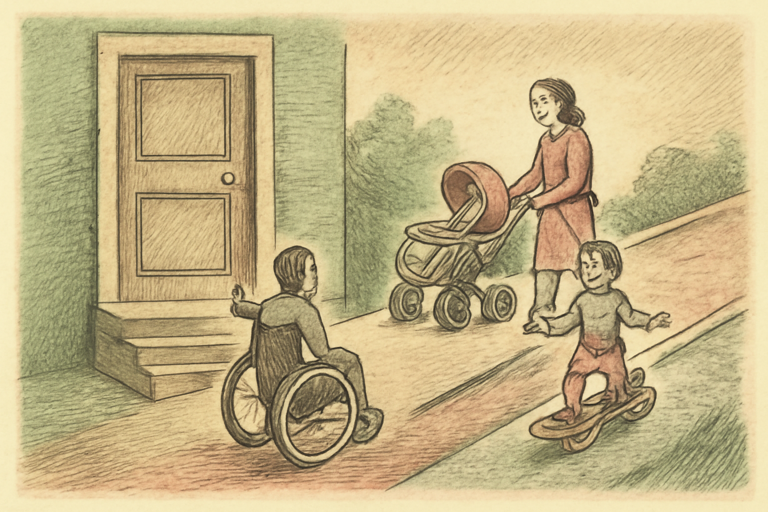
One in four American adults has some form of disability. That’s 61 million people. If your website excludes them, you’re not just being unkind, you’re losing 25% of your potential audience. In some jurisdictions, you’re also breaking the law.
The good news: the most impactful accessibility fixes are simple.
Fix 1: Color Contrast (5 Minutes)
If someone can’t read your text because the contrast is too low, nothing else matters. WCAG AA requires a 4.5:1 contrast ratio for normal text and 3:1 for large text.
Check every text/background combination with a color contrast checker. If it fails, darken the text or lighten the background until it passes. This single fix helps people with low vision, color blindness, and anyone using their phone in bright sunlight.
Fix 2: Alt Text on Images (10 Minutes)
Every image needs alt text. Not “image1.jpg” but a description of what the image shows. Screen readers read this text aloud to blind users. It’s also what Google uses to understand your images (free SEO bonus).
- Decorative images: Use
alt=""(empty, but present) - Informative images: Describe what the image shows
- Functional images (buttons/links): Describe what it does
Fix 3: Keyboard Navigation (15 Minutes)
Can you use your website without a mouse? Try it. Tab through your page. Can you reach every interactive element? Can you see which element is focused? Can you activate buttons and links with Enter?
If not, you’re excluding everyone who navigates by keyboard: people with motor disabilities, power users, screen reader users, and people with broken mice.
Fix 4: Headings in Order (5 Minutes)
Screen readers use headings (h1, h2, h3) to navigate pages like a table of contents. If your headings skip levels (h1 then h3 with no h2), the structure is confusing.
Use headings for structure, not styling. If you want big text, use CSS. Keep h1 for the page title, h2 for sections, h3 for subsections.
Fix 5: Don’t Rely Only on Color
If your form shows errors in red with no other indicator, color-blind users can’t tell which fields have errors. Add text labels, icons, or other non-color indicators alongside color.
Test your design with a color blindness simulator to see how it looks to users with different types of color vision.
The Quick Audit
Run your pages through the accessibility readability checker for readability and structure issues. Train your eye for contrast issues with the WCAG contrast trainer.
The Business Case
Besides being the right thing to do:
- The EU and US have increasing web accessibility legal requirements
- Accessible sites rank better in search (alt text, headings, semantic HTML)
- Accessible design improves usability for everyone (curb cuts benefit wheelchair users AND people with strollers)
- Inaccessible websites face lawsuits (ADA Title III cases have increased 300% since 2018)
The Bottom Line
Accessibility isn’t a nice-to-have feature you add at the end. It’s a baseline requirement like “the website loads” and “the links work.” Start with the five fixes above. They cover the majority of real-world accessibility barriers and can be done in an afternoon.
25% of your users are counting on it.